



Before you order a deck, you need four numbers: how many boards, how many joists, what the frame sits on and how many...
Latest posts
-
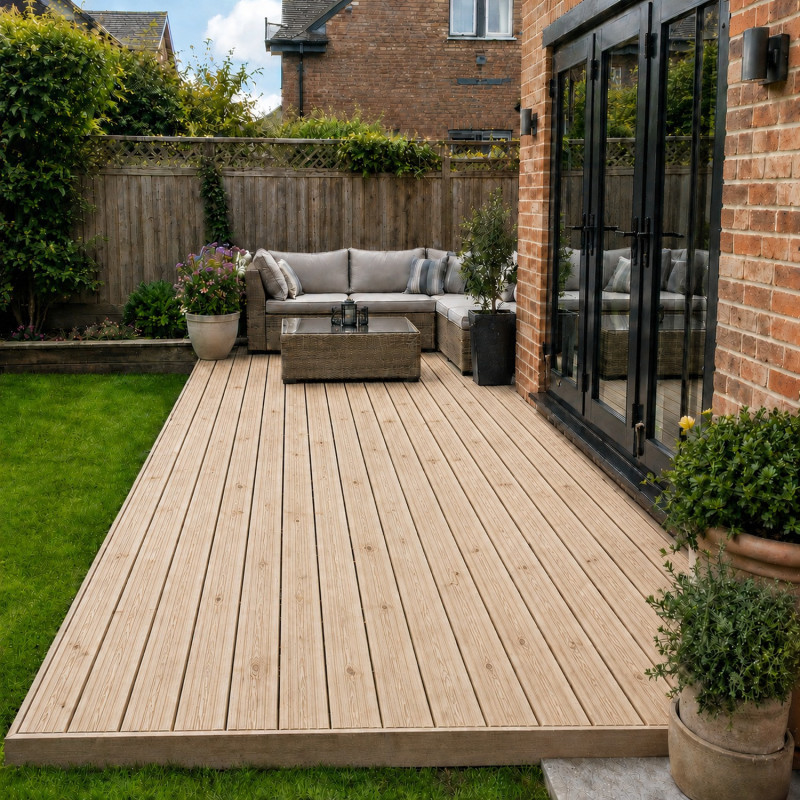 How Much Decking Do I Need? A Step-by-Step GuideRead more
-
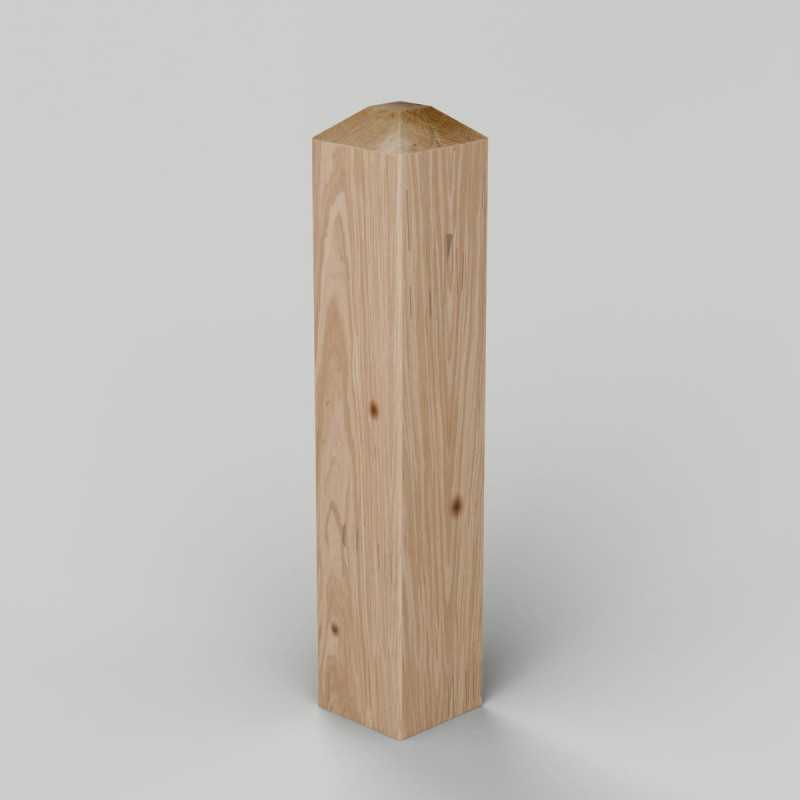 How to Install Wooden Bollards in Concrete or SoilRead more
Wooden bollards mark out driveways, car parks, paths and grass verges. There are three common ways to fit one: set it...
-
 How to Install Solid Wood Worktops: A Step-by-Step GuideRead more
How to install solid wood worktops: let the wood settle, check your units, cut and join lengths, then make sink or...
-
 When and Where to Use Solid Oak Furniture PanelsRead more
A solid oak furniture panel, also called oak furniture board, is a wide, flat board made by gluing strips of oak edge...
-
 How to Install an Oak Mantel BeamRead more
A solid oak mantel beam is one of the simplest ways to give a fireplace a focal point, whether it sits above a wood...
-
 How to Build a Railway Sleeper Retaining WallRead more
A railway sleeper retaining wall is one of the simplest ways to level a sloping garden, hold back a bank or make a...
-
 How to Install a Door Casing: A Step-by-Step GuideRead more
A door casing is the timber frame that lines a wall opening and carries the door, with a rebate that forms a built-in...
-
 How to Install a Door Lining: A Step-by-Step GuideRead more
A door lining is the timber frame that lines the opening in a wall and carries the door. Get it plumb, square and...
-
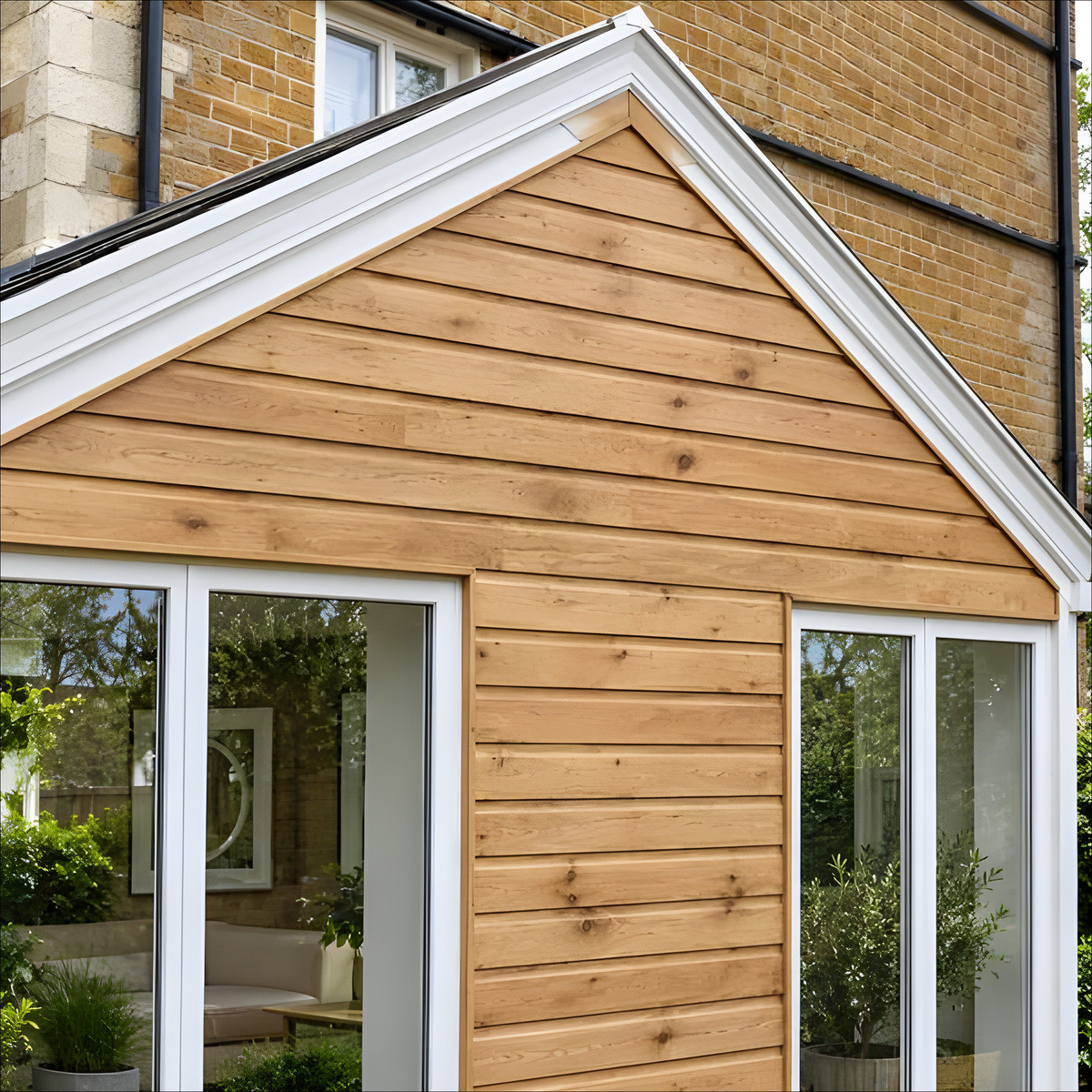 How to Install Timber Cladding Outside and IndoorsRead more
Outdoor and indoor timber cladding are related jobs with different rules. Outside you need a drained, ventilated...
-
 How to hang a wooden gate: posts, hinges and latchesRead more
Hanging a wooden gate is a sequence, not a single fitting. The posts have to be solid and plumb, the hinges have to...
Blog categories
Search in blog
How Much Decking Do I Need? A Step-by-Step Guide
Before you order a deck, you need four numbers: how many boards, how many joists, what the frame sits on and how many screws. This guide shows you how to work each one out, step by step, and how our decking calculator does the sums for you.
How to work out how much decking you need
- Measure the area. With a tape measure, measure the length and width of the deck in metres and multiply them to get the area in square metres. A deck 3.6 m long and 2.4 m wide is 8.64 m². Our decking calculator works on a rectangle, up to 12 m by 12 m. If your deck is L-shaped or has a cut-out, call our sales team on 01536 267107.
- Decide which way the boards run. Boards can run along the length or across it. The joists run the other way, at right angles to the boards. The direction changes how many boards and joists you need, so try both.
- Count the rows of boards. Divide the distance the boards are laid across by the board width plus the gap. Our calculator uses a gap of 5 mm as standard and lets you choose from 3 to 8 mm. With 145 mm boards and a 5 mm gap, each row takes 150 mm, so a deck 2.4 m wide needs 16 rows.
- Choose a board length. If a board is as long as the deck, each row is one board with no joins. If not, the boards are joined end to end, and each join must land on a joist. Stagger the joins on alternate rows so they don't line up. Compare a few lengths: one length may fit your deck with far fewer offcuts than another.
- Allow for cuts and waste. Add extra boards for offcuts, cutting mistakes and boards you don't want to use. Our calculator reuses offcuts of 250 mm or more, allows 3 mm for each saw cut and then adds a 5% margin for cuts and mistakes. If you work it out by hand, check the extra with our sales team.
- Plan the joists. Joists carry the boards, so how far apart they sit depends on the boards you choose. In our calculator, 28 mm Douglas fir boards sit on joists 400 mm apart; the tool notes that 450 mm is wide for most boards and only suits thick, stiff boards. To count the joists, divide the length they are spread across by the spacing and add one, so both edges land on a joist: 3.6 m at 400 mm gives 10 joists. Add an extra joist wherever boards join, and short braces between joists (noggins) in rows no more than 1.2 m apart.
- Decide what the frame sits on. For a deck at ground level, our calculator can sit the frame on Deckin' Blocks, with one block under every joist on each support row. In the calculator you can set those rows no more than 0.6, 0.8, 1.0 or 1.2 m apart. The Deckin' Blocks listing shows a 1 m grid and has its own ground-preparation steps. Raised decks on posts need more planning, so call our sales team on 01536 267107.
- Count the screws. Count the screws for each board at every joist it crosses. Our calculator defaults to 2 screws per board at each joist; you can change this under More frame options. With that default, 16 rows over 10 joists needs 320 deck screws, before any extra. You also need longer frame screws for the noggins and any extra joists.
A worked example
For a 3.6 m by 2.4 m deck in Premium British Douglas Fir Decking, 145 mm wide and 28 mm thick, with the boards along the length, our calculator gives:
- 16 rows of 3.6 m boards, no joins: 16 needed plus 1 extra, so 17 boards
- 10 Long Life Douglas Fir Joists, 150 x 50 mm, 400 mm apart, with 9 noggins in one row: 12 joist lengths needed plus 1 extra
- about 336 stainless steel deck screws, and about 38 frame screws
Your numbers will change with the timber, board size and frame you choose.
How our decking calculator works
Our decking calculator, the Wooden Decking Designer, does all of this for you, and puts everything in one list you can add to your basket:
- Size. Enter the length and width in metres, choose whether the boards run along the length or across it, and set the gap between boards.
- Boards. Choose the timber, thickness, board width, finish and grade, and board length. Leave the length on automatic and it picks the length that suits your deck best.
- Frame. Choose a joist size from our Long Life Douglas Fir Joists and, if you like, sit the frame on Deckin' Blocks. More frame options let you change the joist spacing, screws per board, joist length and screw type, or allow joined joists.
- Extras. Add deck screws and frame screws, a balustrade (with Douglas fir or oak decking) and spare boards or joists.
- Treatment. Add a treatment to apply yourself, if you want one.
You get a 3D view of your deck, a total ex VAT and a "How we worked it out" summary of the rows, joists, joins and noggins. The plan is a guide, not a structural design. Posts, membrane and joist tape are not included.
Tips
- Order decking samples first if you are not sure which timber you want.
- For oak, balau and ash decking, our calculator advises you to pre-drill every hole. Use stainless steel decking screws on oak: they don't react with the tannins, so they avoid black stains. Our decking screws page notes that those stainless screws have a type 17 point tip and that pre-drilling is recommended but not essential.
- For a stiffer, less springy deck, choose thicker boards or closer joists.
- Still deciding between decking and paving? Read Decking vs patio: which is best for your garden?
Frequently asked questions
How do I work out how many decking boards I need?
Divide the width the boards are laid across by the board width plus the gap to get the number of rows, then work out how many boards each row needs for its length. Add extra for cuts and mistakes. Our decking calculator does this for you.
How far apart should decking joists be?
It depends on the boards. In our calculator, 28 mm Douglas fir boards sit on joists 400 mm apart when spacing is left on Recommended. You can change the spacing under More frame options. The tool notes that 450 mm is wide for most boards and only suits thick, stiff boards. For a stiffer, less springy deck, choose thicker boards or closer joists.
What joists should I use for decking?
Our decking calculator frames every deck on Long Life Douglas Fir Joists, whichever boards you choose. The tool offers these sections: 100 × 50 mm, 150 × 50 mm, 175 × 50 mm, 200 × 50 mm and 150 × 75 mm.
Does the decking calculator include posts and membrane?
No. Posts, membrane and joist tape are not included. A balustrade and a treatment are optional extras.
Can I use the decking calculator for any shape of deck?
It works on a rectangle, up to 12 m by 12 m. If your deck is L-shaped or has a cut-out, call our sales team on 01536 267107.
Ready to plan your deck?
Enter your size in our decking calculator to get your boards, joists, blocks and screws in one list. Prefer to browse? See our decking boards, decking joists, Deckin' Blocks and everything else on our decking supplies page, or complete decking kits. Need help? Call our sales team on 01536 267107.
Related posts
-
 How to Build A Raised Garden Bed: A Beginner's Guide
Read more
-
 What are sawdust briquettes and are they the right product for your needs?
Read more
-
 FSC® vs PEFC™ Certifications - What Do They Mean?
Read more
-
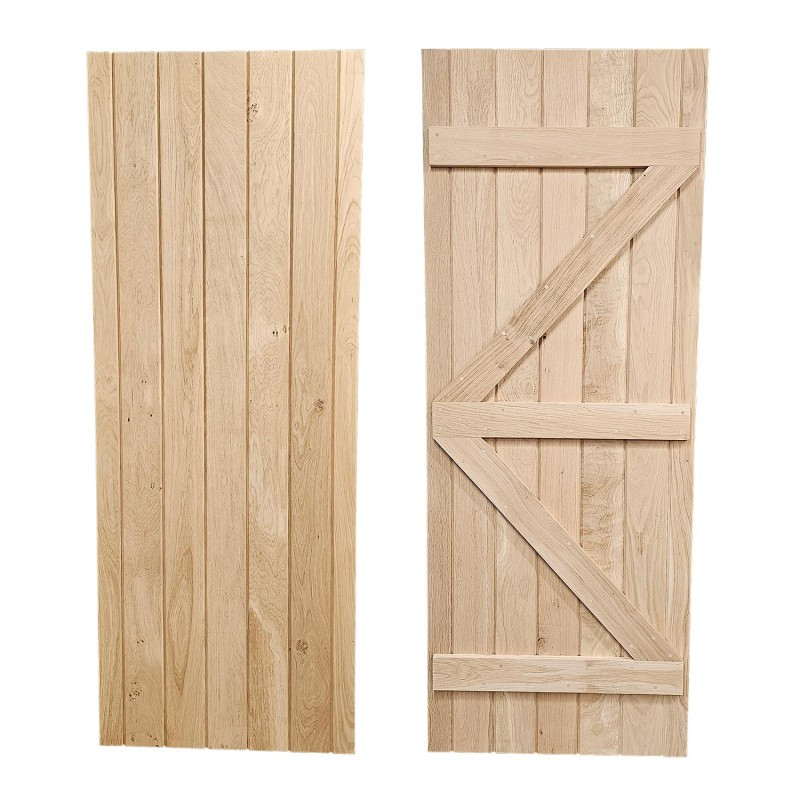 How to Measure for a Bespoke Oak Door
Read more
-
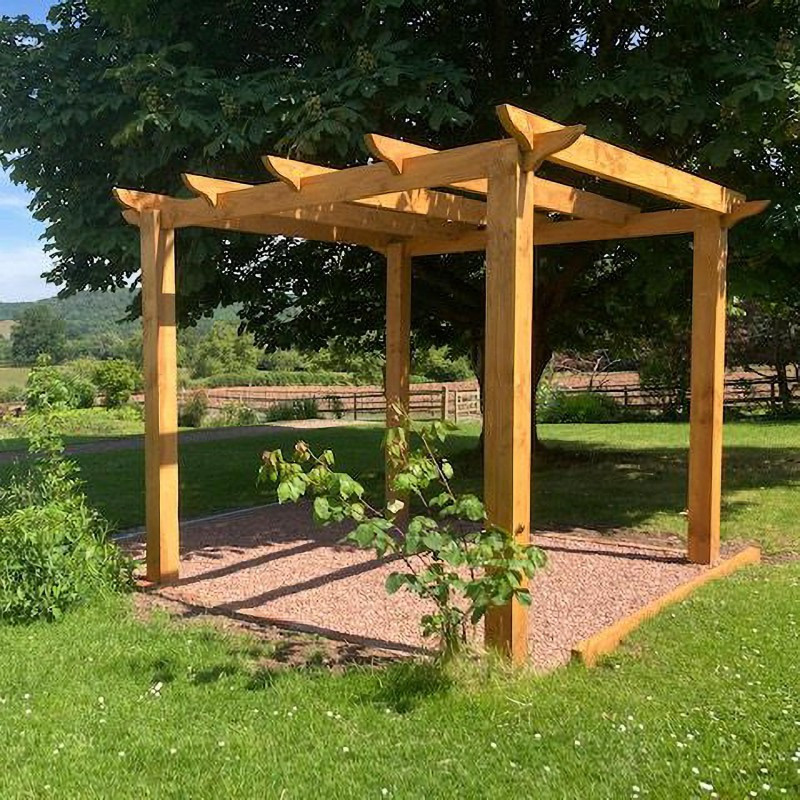 How to Plan a Pergola: Sizes, Post Spacing and Planning Permission
Read more